
Drupal Setup with Git 2024
Build Drupal 10 website
with Git
Create a Drupal (or other) website locally or online with an included Git environment for improved further management
Starting source: https://www.drupal.org/docs/getting-started/installing-drupal/building-a-drupal-site-with-git
=> Provides full info for creating Drupal website, managing, adding modules,… and update the git repo along with.
Prerequisites: composer, drush, … check other tutorials for drupal.
Working online on distant server: Creating the Central Repository.
My goal is to update my PapierLogik website by creating a new one under git management directly on the distant server. I used sh to access my distant server on OVH.
From there I created a new main folder at the root of my server named drupal10-papierlogik. Then I follow the above source indications to setup the git environment in this folder and future sub-contents:
(On your remote server)
$ cd ~
$ git init --bare drupal10-papierlogik.git 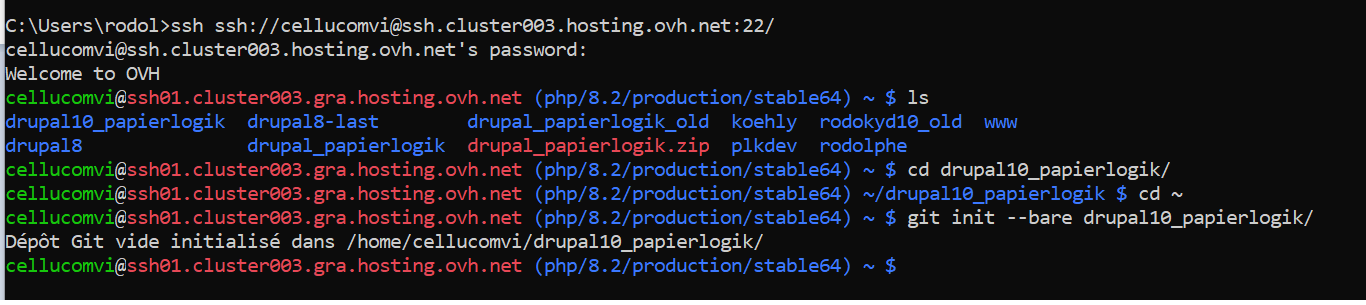
1Working locally: Locally Cloning Drupal
When working on local server like with WAMP in my case, you will setup the repo in a local folder on your computer or your local server while cloning the git repo that already exist for drupal10.
You could follow these steps on the server as well. Let’s clone Drupal (version 10) to create a local development environment.
(On your local development environment)
$ git clone http://git.drupal.org/project/drupal.git drupal10-local-papierlogik
$ cd drupal10-local-papierlogik
$ git checkout 10.x
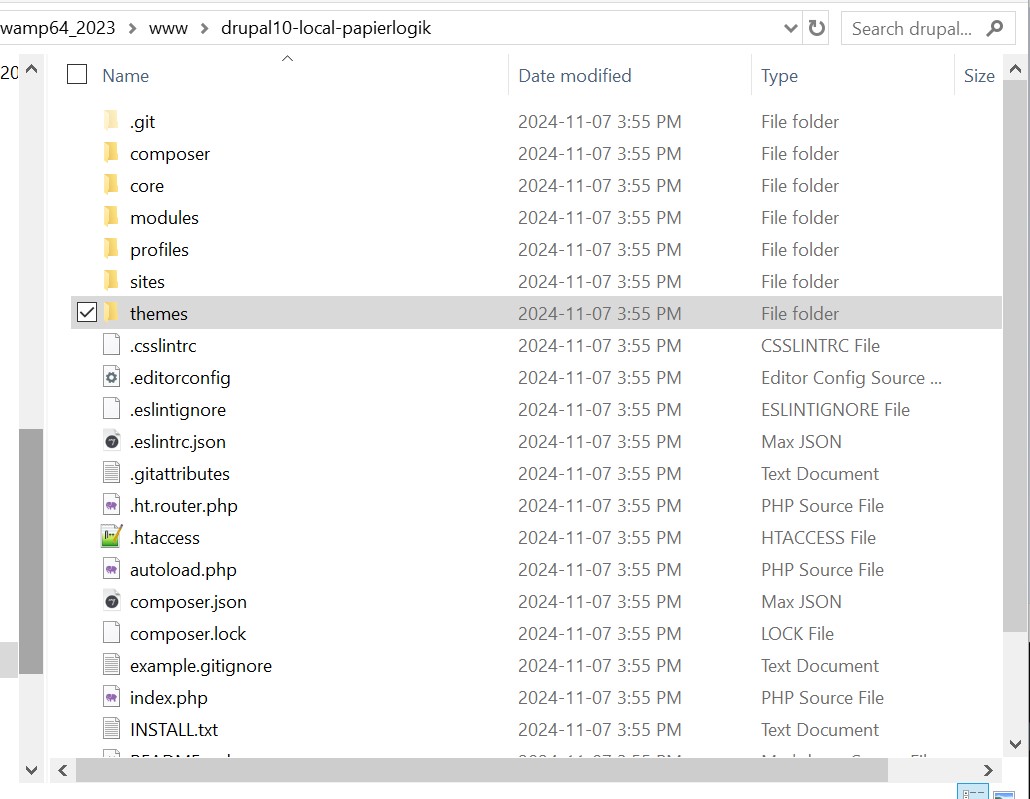
The cloning takes some minutes, and when done you get this:
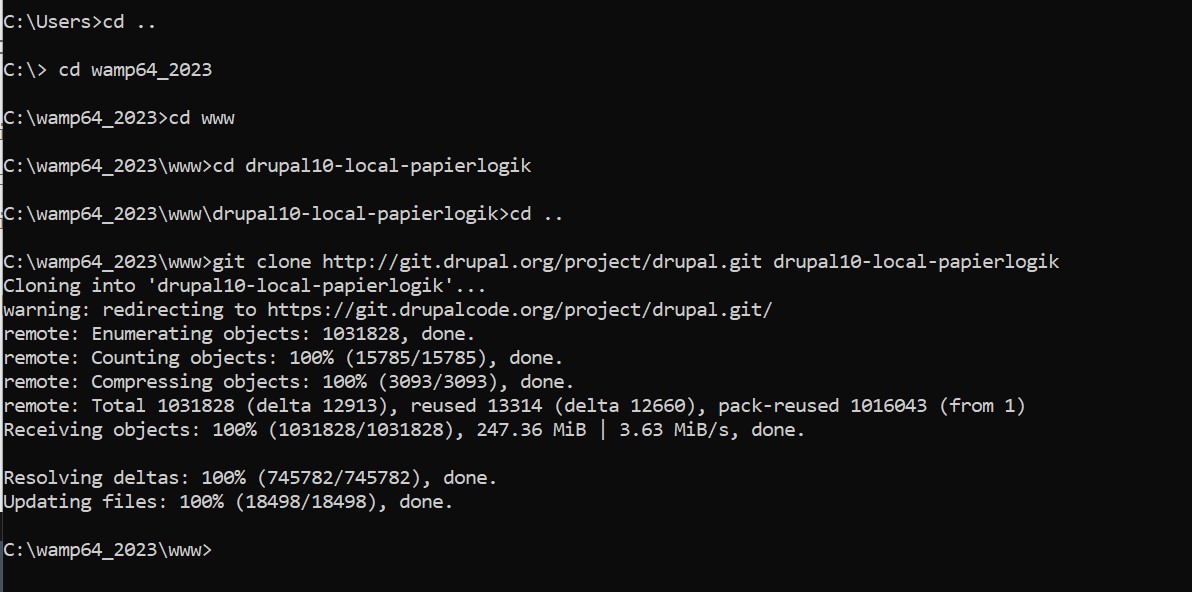
Your I counted on installing drupal 10 but the instructions followed were wrritten at the time of drupal 7. Then I was not able to run a checkout 10.x yet… Drupal 10 may be too recent for a drupal10 repo ready yet on Nov 2024.
To be continued…
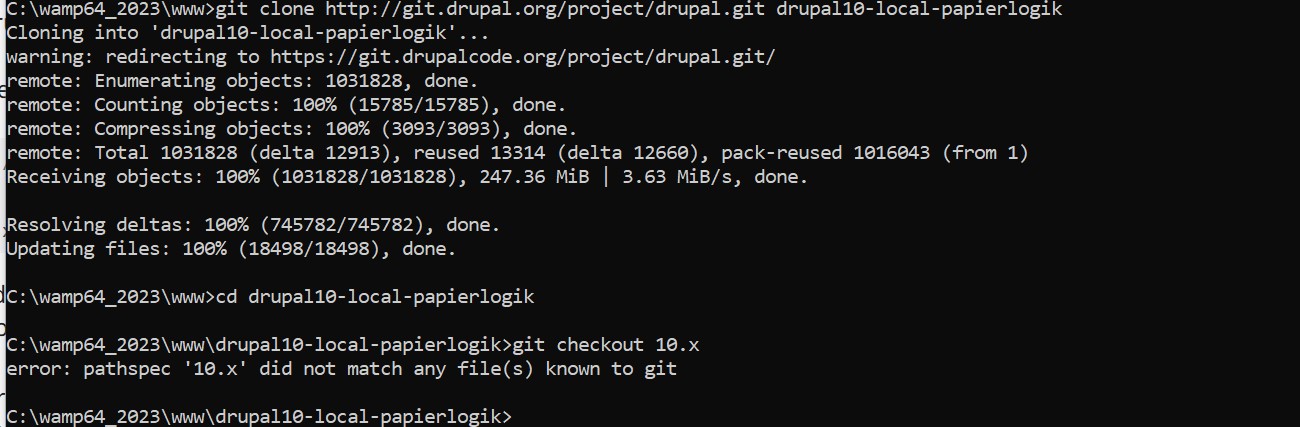
I found out how to solve this issue later on while going to this Drupal page:
https://www.drupal.org/project/drupal/git-instructions
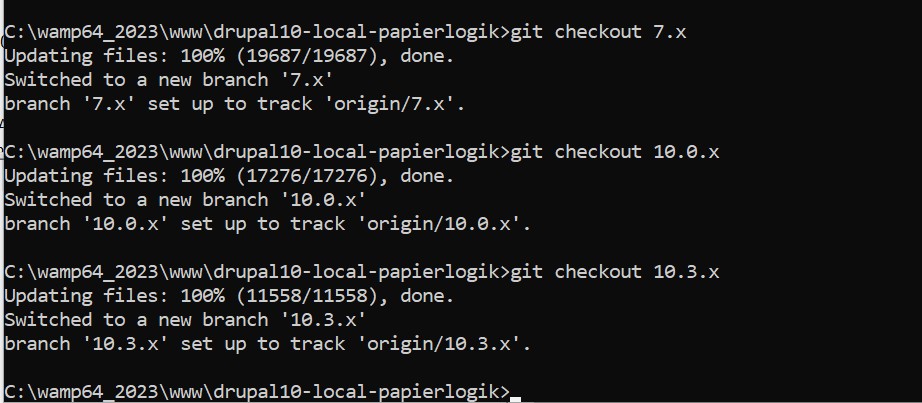
It has a rolling menu displaying all the Drupal branch names one’s cloned. I replaced 10.x by 10.0.x (or later) in my checkout instructions, which setup the cloned files to the 10.0.x branch.
At this time of writing, the stable advised version seems to be 10.3.7 so I may have to run updates if starting from 10.0.x instead of directly 10.3.x.
Updating Remotes
It now takes to update the default remotes info of the cloned repo to reflect that you won’t be pushing to drupal.org with your project’s code (the drupal.org Drupal project repository) .
You can rename the original origin remote to ‘drupal’ and create a new origin pointed at the bare repository you’ve created on your server.
(On your local development environment)
$ git remote rename origin drupal
$ git remote add origin path/to/your/central/git/repo
(example: ssh://cellucomvi@ssh.cluster003.hosting.ovh.net:22/drupal10-local-papierlogik/drupal10-local-papierlogik.git)
To see a list of your remote repositories, run the command:
$ git remote
For a more detailed listing that includes the remote repositories’ URLs, add a -v flag (for verbose) to the end of the command:
$ git remote -vPushing Code to the Central Repository and Completing Initial Deployment
Now, you can push your code up to the origin remote on your server:
(On your local development environment)
$ git push origin drupal10-local-papierlogik
This command copies your local branch drupal10-local-papierlogik to a branch of the same name in your remote repository origin.
You can now provision your other tiers with this code from the repository. Log into your server and provision a development environment from the code you’ve committed:
(On your remote server)
$ git clone --branch fooproject ssh://fooproject@fooproject.com/home/users/fooproject/fooproject.git fooproject_dev
Now, you have a fooproject_dev directory that you can use as the root of a new virtual host. You can proceed through the normal Drupal installation process using this development copy of your site and a separate database for it. Repeat this process for the Staging and Production environments- we’ll assume that they live on the same server in directories fooproject_stg and fooproject_prod.
Adding Contributed Modules and Themes
Check the source
Updating Drupal Core
Check the source